
How to automate user access reviews without creating new problems


User access review automation is the use of software to continuously or periodically verify that every user—employee, contractor, or service account—has only the access their job function requires. Automated platforms replace manual spreadsheets and email chains by ingesting access data, routing review requests to the right stakeholders, and generating audit-ready reports.
Most guides treat automating user access reviews as a workflow problem: replace the spreadsheet, run the campaign, close the audit. That framing is incomplete.
In practice, automating the workflow and actually running an access review program are two different things. The tool handles the process. Nobody talks about who handles the program—and that gap is where most automation efforts quietly fail. In my years auditing access review programs at EY, the pattern was consistent: the campaigns ran, the evidence got produced, and the actual control rarely operated the way the policy described it.
If you are evaluating user access review software, the most useful question is not "how fast can we run a campaign?" It is "who is going to operate this program in twelve months, and what evidence will hold up at audit?" This piece walks through how to automate user access reviews in a way that produces real control effectiveness, not just a dashboard.
What is user access review automation?
User access review automation is software that ingests access data from identity providers, cloud platforms, SaaS apps, and enterprise systems, and uses workflow logic to route certification requests to the right reviewers, capture decisions, and generate compliance reporting. It is one component of identity governance—the broader discipline of managing user identities, access rights, and entitlements across a company's environment.
Three things are worth establishing up front:
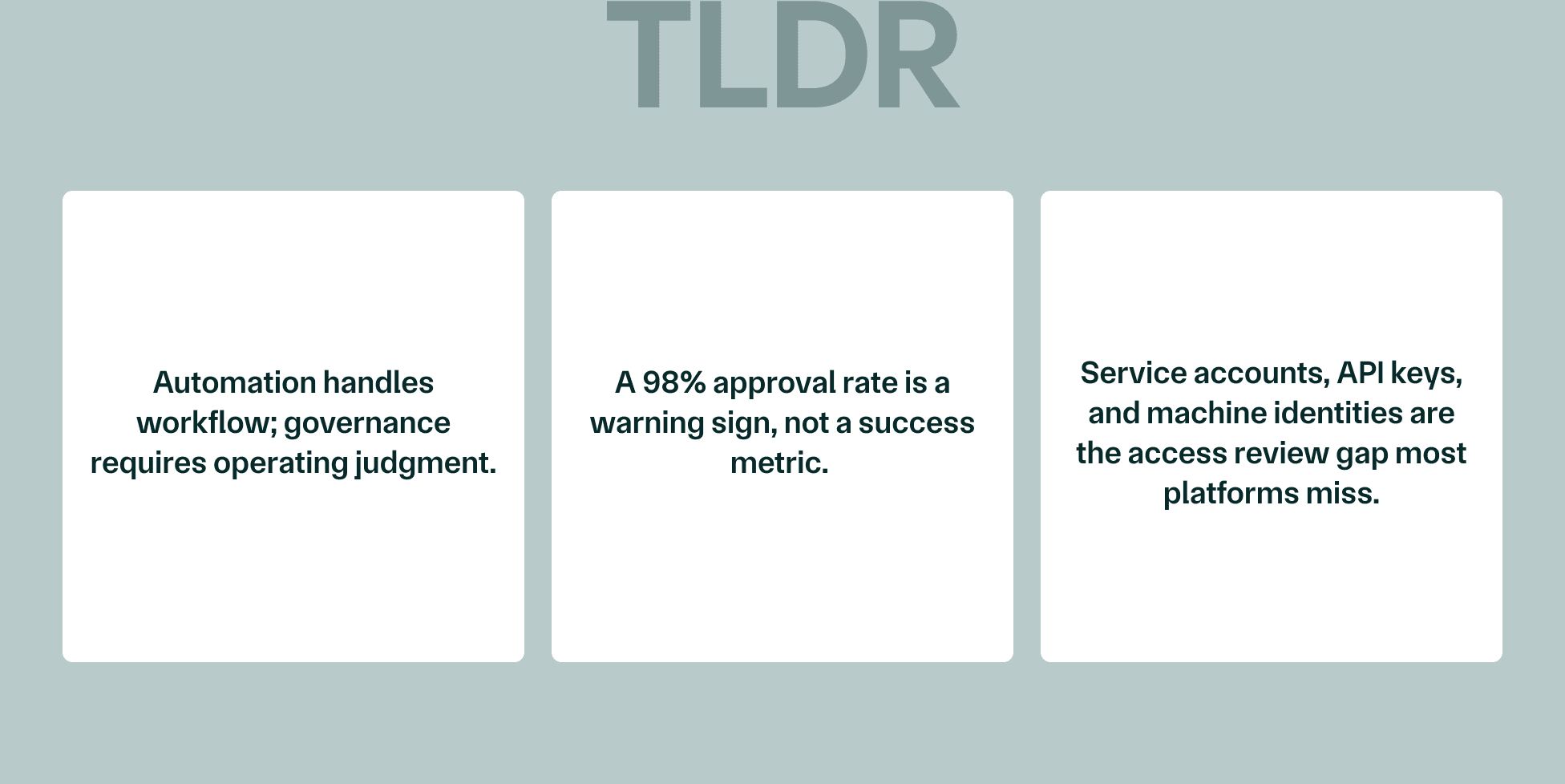
- Automation handles the workflow. Governance—the contextual decision-making that makes a review meaningful—still requires people who understand the business.
- The "automated" label covers a wide spectrum. Some tools automate campaign scheduling. Others automate evidence collection. Very few automate the judgment work that determines whether access is actually appropriate.
- Non-human identities are increasingly in scope. This includes things like service accounts, API keys, bots, and other machine identities. Most user access review platforms were not originally designed with them in mind, and traditional UAR workflows often exclude them entirely.
Why this matters now
SOC 2 Type 2, HIPAA, SOX, PCI DSS, and ISO 27001 all treat access management as a core operating control and require regular access reviews to demonstrate it. Auditors are not satisfied with a policy that describes the review; they want evidence that the review happened, that decisions were acted on, and that the control is operating consistently over the audit period.
Enterprise procurement teams have caught up. Security questionnaires now ask for evidence of ongoing review effectiveness, not just access policies. According to the Verizon 2024 Data Breach Investigations Report, the human element—including errors, misuse, and social engineering—was involved in 68% of data breaches. That number is why user access reviews have moved from a checkbox to a board-level conversation, and why access management is increasingly owned by security teams rather than IT generalists.
Manual vs. automated access reviews: what's the difference?
Manual access reviews are the version most companies started with: access data pulled from Active Directory and identity providers into manual spreadsheets, emailed to managers, chased through Slack, and consolidated by hand. The process invites human error, takes weeks, and produces evidence that is hard to reconstruct under audit scrutiny.
Automation removes the manual effort, the spreadsheet sprawl, and the compliance reporting lag. It does not, on its own, remove the judgment problem.
| Dimension | Manual access reviews | Automated access reviews |
|---|---|---|
| Data collection | Exports from each system, consolidated by hand | Continuous ingestion from identity providers, cloud platforms, SaaS apps |
| Reviewer routing | Email and Slack chasing | Programmatic routing with escalation logic |
| Evidence | Spreadsheets, screenshots, attached emails | Timestamped certifications, audit-ready reports |
| Cycle time | 4–12 weeks per cycle, often longer | Days to weeks per cycle |
| Reviewer context | Whatever the compliance lead can stitch together | Whatever the platform exposes—varies widely |
| Failure mode | Cycle never finishes | Cycle finishes with rubber-stamp approvals |
The gap between manual reviews and automated access reviews is not just speed—it is reliability. But automation removes friction from the process. It does not remove the problem of a manager with 200 review requests, no context on why a user has a given permission, and a calendar full of meetings. That manager will approve everything. Automation just made that faster.
What automation solves (and what it doesn't)
Vendor pages will tell you automation solves access reviews. It solves a meaningful slice of the work, and leaves another meaningful slice untouched.
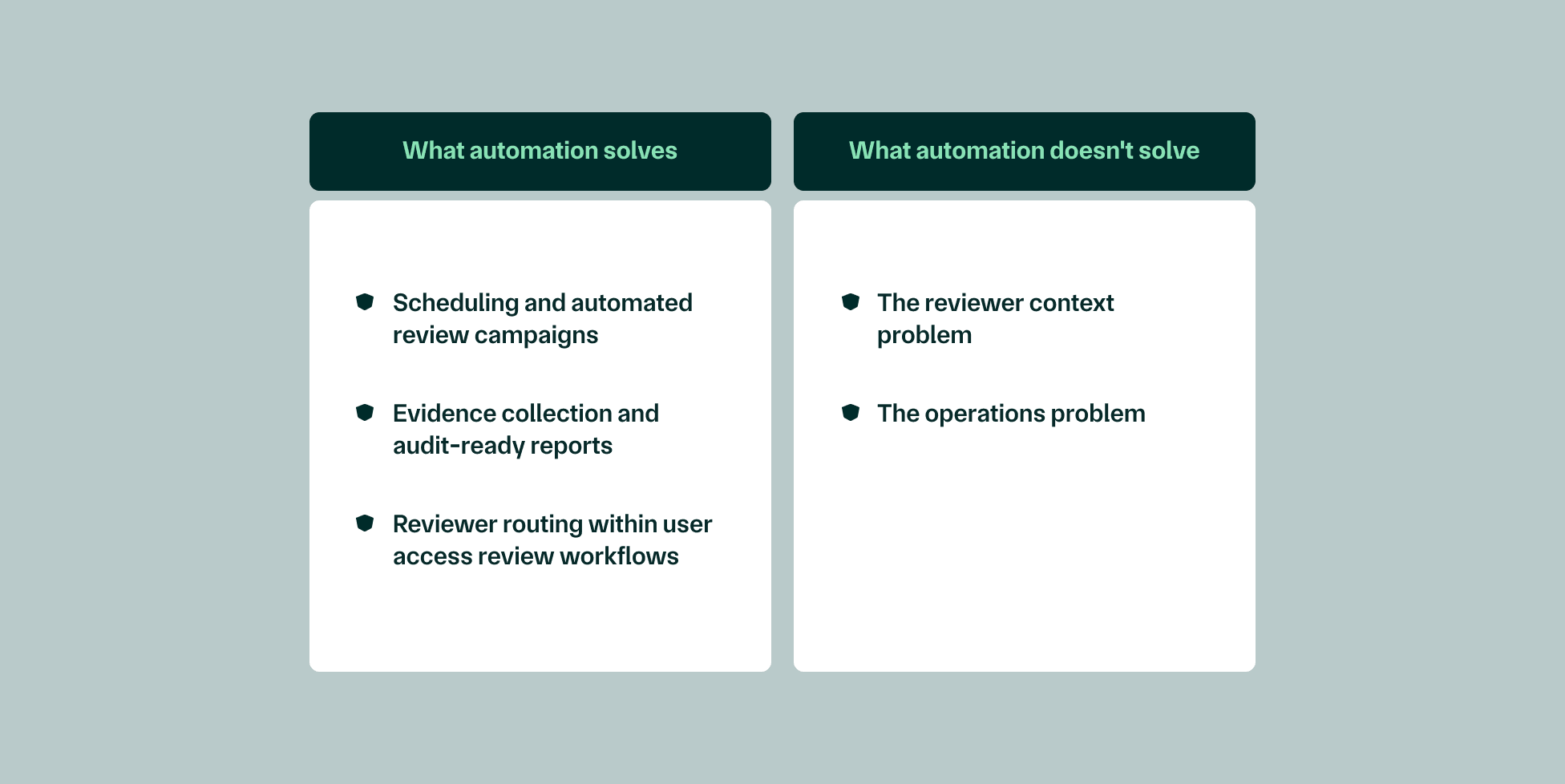
What automation solves
- Scheduling and automated review campaigns. Quarterly, semi-annual, or event-driven reviews can be configured once and triggered on schedule.
- Evidence collection and audit-ready reports. Every certification, revocation, and exception is timestamped and exportable.
- Reviewer routing within user access review workflows. Requests go to the right manager, with escalation when reviewers don't act.
What automation doesn't solve
- The reviewer context problem. Managers approve user permissions they don't understand because the platform shows them entitlements without business context.
- The operations problem. Someone has to configure the platform, monitor exceptions, chase escalations, and hold the program together when priorities shift.
I've audited enough access review programs to know what a 98% approval rate on a quarterly certification actually means. It doesn't mean access was properly reviewed. It means reviewers didn't have enough context to say no. Risky access patterns don't get caught by a campaign—they get caught by a reviewer who understands what they're looking at.
Four steps to build a user access review process that holds up at audit
The goal is not to run a campaign. The goal is to produce control evidence that an auditor can trace, with revocations actually executed and exceptions actually documented. Here is what that demands in practice.
Define scope and access inventory
Before automation tools can do anything useful, establish a clean baseline: every system, cloud platform, SaaS app, and enterprise system in scope, including non-human identities. Service accounts, API keys, CI/CD bots, and machine identities carry significant attack surface and are routinely excluded from traditional UAR workflows.
Access creep and orphaned accounts hide in the systems nobody remembered to include—the legacy database with three accounts, the SaaS tool the marketing team bought directly, the API integration that outlived its original use case. Without a clean inventory, automated review campaigns surface incomplete access data and reviewers make decisions blind.
Design the review framework
Determine review frequency by risk tier. High-risk permissions—production database access, admin rights, anything touching sensitive data—should be reviewed at least quarterly. Standard access levels can typically be reviewed annually. Connect role-based access control mappings to actual job functions before campaigns begin.
Define what a revocation decision triggers downstream. A reviewer marking access as inappropriate should generate a deprovisioning ticket with an SLA, not a line item that sits in a queue. Most teams skip this design work, buy a platform, and expect it to tell them what to do.
Run the observation period
This is where programs succeed or fail, and where most automation guides go quiet.
Operational efficiency degrades when the user access review process is disconnected from how people actually work. Security teams end up managing access data in one tool, vulnerability findings in another, and device management in a third—with no continuous visibility into whether controls are operating as designed. The platform tells you a campaign ran. It does not tell you whether the right things happened.
The pattern recurs across companies: teams start their observation period using an automated platform, expecting it to handle ongoing compliance. Three months in, the tool has produced a dashboard but nobody is making real decisions. Engineers are taking screenshots instead of building product. The compliance lead is manually chasing approvals through Slack. Automation automated the surface of it but didn't actually fix it.
Collect evidence and prepare for audit
Good audit evidence has three parts: timestamped certifications, documented revocations with downstream deprovisioning confirmation, and exception handling with written rationale. Compliance reporting requires more than most platforms generate by default—auditors will ask for the full chain, not just the summary.
Lifecycle management belongs in the same picture. Onboarding and offboarding processes need to connect to the access review cycle. Authorized users who join and leave mid-cycle become compliance violations if their access does not get reviewed and revoked at the right transitions.
"What auditors actually check isn't whether you ran the campaign. It's whether the results were acted on. Inappropriate access that was flagged but never remediated is worse than access that was never reviewed, because it shows the control exists but doesn't operate."—Mike Kim, CEO & Co-founder, Mycroft
Common gaps that surface during real access review programs
Textbook gaps are easy to list. Here are the ones that show up in practice—and the ones auditors increasingly ask about.
- Periodic access reviews completed with no revocations. A 100% approval rate is not a clean review. It is a sign the review wasn't a review, and that inappropriate permissions are passing through unchallenged.
- Service accounts and non-human identities excluded from scope entirely. Machine identities frequently outnumber human ones and almost never get reviewed, leaving a meaningful slice of access rights unmonitored.
- Review evidence and remediation tracked in separate tools with no documented link between flagged access and the deprovisioning that followed.
- High-risk permissions reviewed at the same frequency as standard access. Production database access on the same cycle as Slack workspace access is not a tiered control.
- Orphaned accounts surfacing at audit because offboarding wasn't connected to the review cycle—a common contributor to insider threats and data breaches alike.
- Programs that function when the compliance lead is present and degrade when they're not. When the one person who knows how the program runs leaves, the program leaves with them. Security teams inherit a black box, and access management quietly slips back into spreadsheet territory.
The pattern across these gaps is not that teams don't care about data security. It is that the program is fragmented across too many disconnected automation tools. Tools don't fix fragmentation—they automate within it. The user access review problem isn't a workflow problem. It's an operations problem, and you can't solve an operations problem with a better campaign scheduler.
Mycroft is the first platform to combine your security and compliance stack with AI agents that operate as your teammate. Access reviews, vulnerability findings, evidence, and exceptions live in one place—so a missing reviewer doesn't break the audit chain, and the program survives turnover.
How much does automating user access reviews cost?
Sticker prices on standalone UAR platforms typically range from a few thousand dollars per year for early-stage tools to six figures for enterprise identity governance suites. That is the easy number to find. It is also the wrong number to plan around.
The cost nobody talks about is reviewer time and organizational drag. Poorly designed automated review campaigns—too broad, too stripped of context—create review fatigue. Approvals become reflexive. The real cost isn't the platform subscription. It is the operating model required to run a program people engage with seriously.
A $10K annual platform that still requires a half-time compliance resource plus manual evidence stitching at audit time changes the ROI calculation entirely. The total cost of automating user access reviews is the system you build around it: scope, framework, review cadence, escalation logic, evidence handling, and the human capacity to keep all of it operating between audits.
How long does building a real program take?
Honest timelines, assuming a contained mid-market environment with reasonably clean identity data:
- Scoping and access inventory: 2–6 weeks
- Framework design and platform configuration: 4–8 weeks
- First review cycle: 4–12 weeks
- Audit-ready reports: available after the first completed cycle, maturing over the next two
You can configure a campaign in a week. Building a user access review process that produces meaningful evidence—where revocations are executed, exceptions are documented, and the evidence chain holds—takes longer. What you can compress is the setup. What you can't compress is the operating history that makes the evidence credible.
Choosing your approach: DIY, platform, or managed operations
Three paths, each with honest trade-offs.
| Approach | Best fit | What you own | What breaks |
|---|---|---|---|
| DIY | Dedicated GRC or IAM headcount, contained environment, well-defined process | Everything: campaigns, reviewer follow-up, evidence, institutional knowledge | When the program owner leaves, the program leaves with them |
| Platform only | Need workflow automation and compliance reporting; have someone to own the program operationally | Configuration, escalation judgment, remediation follow-through | The platform automates scheduling and documentation but not operations |
| Managed operations | Need platform capability without staffing the full program; or have learned a platform alone doesn't keep the program running | Risk decisions and sign-off | Less; institutional knowledge lives in the system, not a person |
DIY works when there is dedicated headcount to configure campaigns, manage reviewer follow-up, interpret access data, and maintain institutional knowledge about the program. It is right-sized when the review process is well-defined and someone owns the program full-time.
Platform-only is the most common path. It solves the scheduling and documentation problem and leaves the operations problem on the customer. Most UAR tools fall into this category.
Managed operations is the path teams arrive at the second time around—usually after a platform-only implementation taught them what was missing. The provider manages campaign configuration, reviewer escalations, access data hygiene, and audit preparation. The organization retains risk decisions and sign-off.
From what I’ve seen, most teams start with a platform and discover they need managed operations about three months into their first observation period. The question to ask before you buy is: who is going to run this when my compliance lead is pulled onto something else?
Beyond the first cycle: maintaining access reviews year over year
After the first completed cycle, the next one begins. Access review compliance is not a milestone—it is a continuous operating state, and the programs that degrade at renewal are the ones where the program lived in one person's head.
When that person leaves, event-driven reviews stop firing. The evidence chain breaks. The next audit surfaces findings that weren't there before. This is the failure mode none of the platform comparison guides discuss, because it is not a feature problem.
Sustainable compliance requires centralized context. Access data, review history, user identities, and exception documentation should feed into one place—so anyone can understand where things stand, not just the person who built the program. This is what a Risk Operations Center is designed to do: make access reviews an organizational capability, not a personal one.
[How Mycroft helps callout] Mycroft's AI-native Security and Compliance Officer takes on the operating work between audits. Campaigns get configured with business context. Escalations route through workflows that understand which permissions matter. Evidence is captured continuously, not reconstructed at audit. Companies like Unified reached SOC 2 Type 2 in six weeks with Mycroft, after eleven months and twenty-five days with a previous vendor.
FAQs
What is the difference between user access reviews and access certifications?
User access reviews and access certifications describe the same activity from different angles. A user access review is the process of evaluating whether a user's access is still appropriate. An access certification is the formal artifact—the reviewer's documented attestation that the access was reviewed and either approved or revoked. In practice, the terms are used interchangeably, but auditors will look for the certification as the evidence the review took place.
How often should user access reviews be conducted?
Review frequency should be tiered by risk. High-risk permissions—production data access, admin rights, anything touching sensitive data—warrant quarterly reviews at minimum. Standard access levels are typically reviewed annually. Event-driven reviews should fire automatically on role changes, terminations, and contractor offboarding. Reviewing all access on the same cadence is a sign the program hasn't been tiered, not a sign of thoroughness.
Do automated user access reviews satisfy SOC 2 Type 2 requirements?
Automated user access reviews can satisfy SOC 2 Type 2 requirements, but the automation alone is not the control. Auditors evaluate whether the control operated effectively over the audit period—meaning campaigns ran on schedule, decisions were captured, revocations were executed, and exceptions were documented. A platform that runs campaigns but produces a 100% approval rate with no revocations will draw scrutiny, regardless of how automated it is.
Can UAR automation handle non-human identities like service accounts?
Some platforms support service accounts, API keys, and machine identities. Many were not originally built for them, and even tools that support them often treat them as second-class objects in review workflows. This is one of the most common gaps in automated user access reviews today, and a frequent contributor to insider threats and data breaches as machine identities continue to outnumber human ones in cloud-heavy environments. Security teams reviewing access management programs should explicitly ask vendors how non-human access rights are handled.
What happens if a manager doesn't complete their access review on schedule?
Most platforms support escalation logic—if a reviewer doesn't act within a defined window, the request escalates to the reviewer's manager, security teams, or a backup approver. The harder question is what happens to the access in the meantime. Mature programs define a default action (typically temporary suspension of high-risk permissions) so that overdue requests to review access don't quietly become approvals.
How do you handle access reviews for employees who change roles mid-cycle?
Role changes should trigger event-driven reviews automatically rather than waiting for the next periodic cycle. Without this, an employee can move from a high-privilege role to a lower-privilege one and retain inappropriate access for months. Lifecycle management—connecting HR systems, identity providers, and the review platform—is what makes event-driven reviews fire reliably.
Is a 100% approval rate on an access certification a red flag?
Yes. A 100% approval rate almost always means reviewers didn't have enough context to make real decisions. In a typical environment, role changes, project rotations, contractor turnover, and access creep produce a steady baseline of access that should be revoked. A campaign that surfaces none of it is not a sign of clean access—it is a sign reviewers are rubber-stamping. Auditors are increasingly trained to look for this pattern.
What is the difference between periodic access reviews and continuous monitoring?
Periodic access reviews happen on a defined cadence—quarterly, semi-annually, annually. Continuous monitoring evaluates access changes as they happen, flagging risky patterns in near-real-time. The two are complementary: continuous monitoring catches anomalies between reviews, and periodic reviews provide the formal certification evidence auditors require. Programs that rely on one without the other tend to produce either alert fatigue or stale evidence.